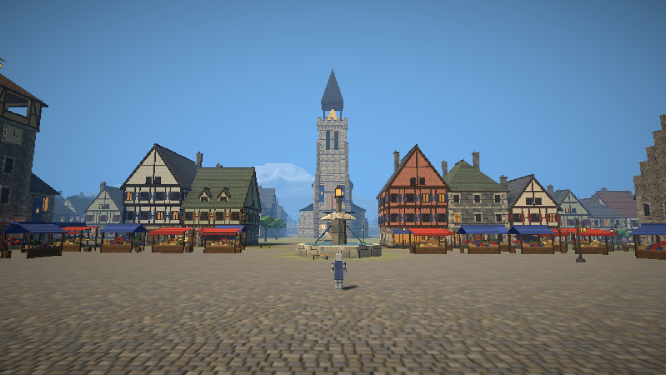
Windows · EARLY DEVELOPMENT
Download for Windows
A small launcher that installs the game into a folder of your choosing and keeps it up to date. Unzip it, run it, click Install.
- Windows 10 or 11, 64-bit
- Launcher about 6 MB
- Game about 275 MB
- Unsigned, see below
- Unzip itExtract the zip into a folder where you'd like the game to live, such as Documents or a Games folder.
- Run Launcher.exeWindows will probably warn you the first time. That's expected: see below.
- Install, then PlayThe launcher downloads the game. Start it from Launcher.exe each time: it fetches only what changed.
About the warnings: the builds are unsigned
Light's Oath isn't code-signed. Signing certificates cost money every year and take time to build a reputation with Microsoft, which doesn't make sense yet for a small game this early in development. So Windows doesn't know who made it, and says so:
Click More info, then Run anyway. You only need to do it once. Your browser may also call the zip "not commonly downloaded" and ask you to keep it, and some antivirus programs are wary of any unsigned program they haven't seen before.
Only download the game from lightsoath.com. If you'd rather not run an unsigned program at all, that's completely fair: the browser version is the same game, with nothing to install.
It's very early
There aren't many gameplay systems yet: no levels, quests or crafting. Expect bugs, and expect things to change, break or be reset as the game grows.
Updates
Always start the game from Launcher.exe. It checks for a new version each time and downloads only the parts that changed.
Mac and Linux
No builds yet. The browser version works on any desktop browser with WebGL 2.
Uninstalling
Delete the game's folder. Your settings are kept apart, in %APPDATA%\Light's Oath; delete that too to remove every trace.